How location sharing works
What your phone does in the background, how often it shares, and what affects your battery.
In the background
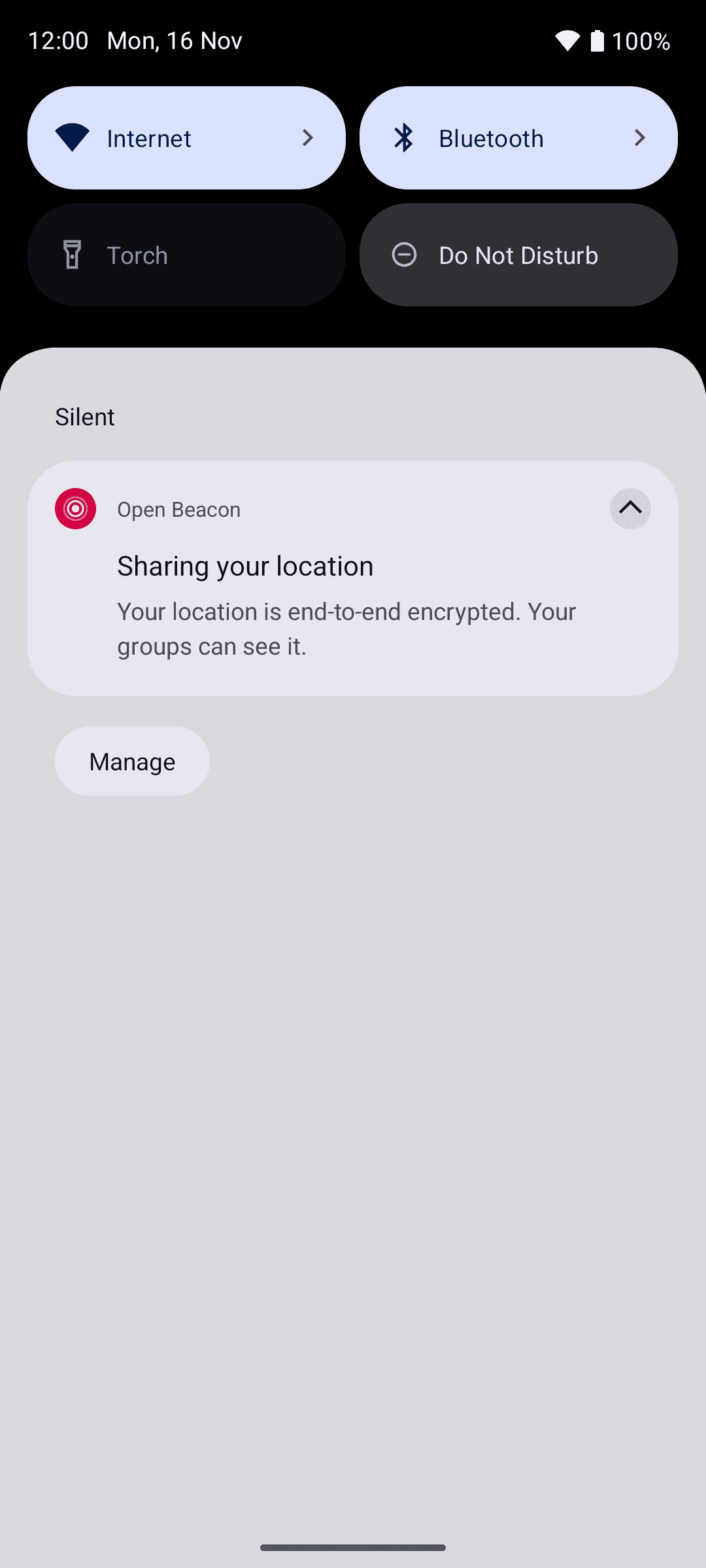
Once your phone is set up and has permission, OpenBeacon shares your location even when the app is closed. Android shows a "Sharing your location" notification while it does, unless you turn off OpenBeacon's notifications on that phone. If you swipe it away, it comes straight back. Sharing starts again by itself after your phone restarts.
Each time your phone records a location, it:
- encrypts the location and battery level straight away, once for each of your groups
- stores the encrypted copies on your phone
- sends them to the server about once a minute.
Your family's phones fetch them from the server, decrypt them and show your pin.
- Records your location and battery level.
- Encrypts them with each group's key.
- Stores the encrypted data.
- Passes it to the phones in your group.
- Decrypt the data.
- Show your pin on the map.
How often
| Normal | Battery saver on, or battery at 15% or lower and not charging | |
|---|---|---|
| Moving | Every 10 seconds | Every 20 seconds |
| Still | Every 30 seconds | Every minute |
| Sent to the server | About every minute | About every 2 minutes |
When you're not moving, your phone only queues a new location after you've moved about 25 metres, or every 5 minutes, so a phone on a desk doesn't keep sending the same place.
What's kept as history
Your family's map always shows your latest location. The server keeps only the newest one from each phone for the map, and replaces it each time.
For history, your phone keeps enough locations to draw your route:
- Moving: it keeps a location when you turn or change speed, and at least every 30 seconds to 2 minutes. The faster you go, the more often. A straight walk keeps far fewer locations than a winding one.
- Still: after about 3 minutes in one spot, it saves one location for your arrival and then updates how long you've been there every 5 minutes. When you leave, your route carries on from there.
Each phone has an allowance of 2,880 history locations in each group, which refills at one every 30 seconds (2,880 a day). Normal days stay well below it. If a phone uses it up, its history has gaps until the allowance refills, but the live map keeps updating.
Battery
Sharing in the background uses some battery. To keep it working:
- Choose Allow all the time for location.
- If your phone has its own battery saver for apps (common on Samsung, Xiaomi, Huawei, OnePlus and others), set Open Beacon's battery usage to Unrestricted. Otherwise the phone may close OpenBeacon and your family sees you as out of date.
See Install the app for the permissions OpenBeacon needs.
When sharing stops
If location access is turned off, OpenBeacon shows a "Location sharing stopped" notification. Tap it to turn access back on. If the phone is removed from your account or signed out, it shows "Signed out of OpenBeacon". See Notifications.
On Android 13 and newer, you can stop OpenBeacon from Android's active apps list. Sharing stays off until you open the app again.
If the app or your server needs updating, sharing waits until it's updated. See App and server versions.
Check whether you're sharing
The location sharing card at the top of the Account tab says whether this phone is sharing. When it isn't, the card says why:
- the permission that's missing, such as "Precise location is off" or "Background location is off"
- "Not sharing: you're not in any groups". Create or join a group to start.
- "Not sharing: this phone is waiting for its keys". It keeps trying while it's online.
- "Not sharing until you update OpenBeacon"
- "Not sharing until the app and server match"
- "Paused on this phone" or "Paused on all your devices", when you've paused sharing.